CAD & drawings
STEP · STP · DXF
Inspect 3D assemblies or pan and zoom a vector drawing.
Your designs deserve more than a file icon. Bring CAD models, circuit boards, print files, and Markdown to life in Finder.
Supports Apple Silicon Macs running macOS 13 or later.
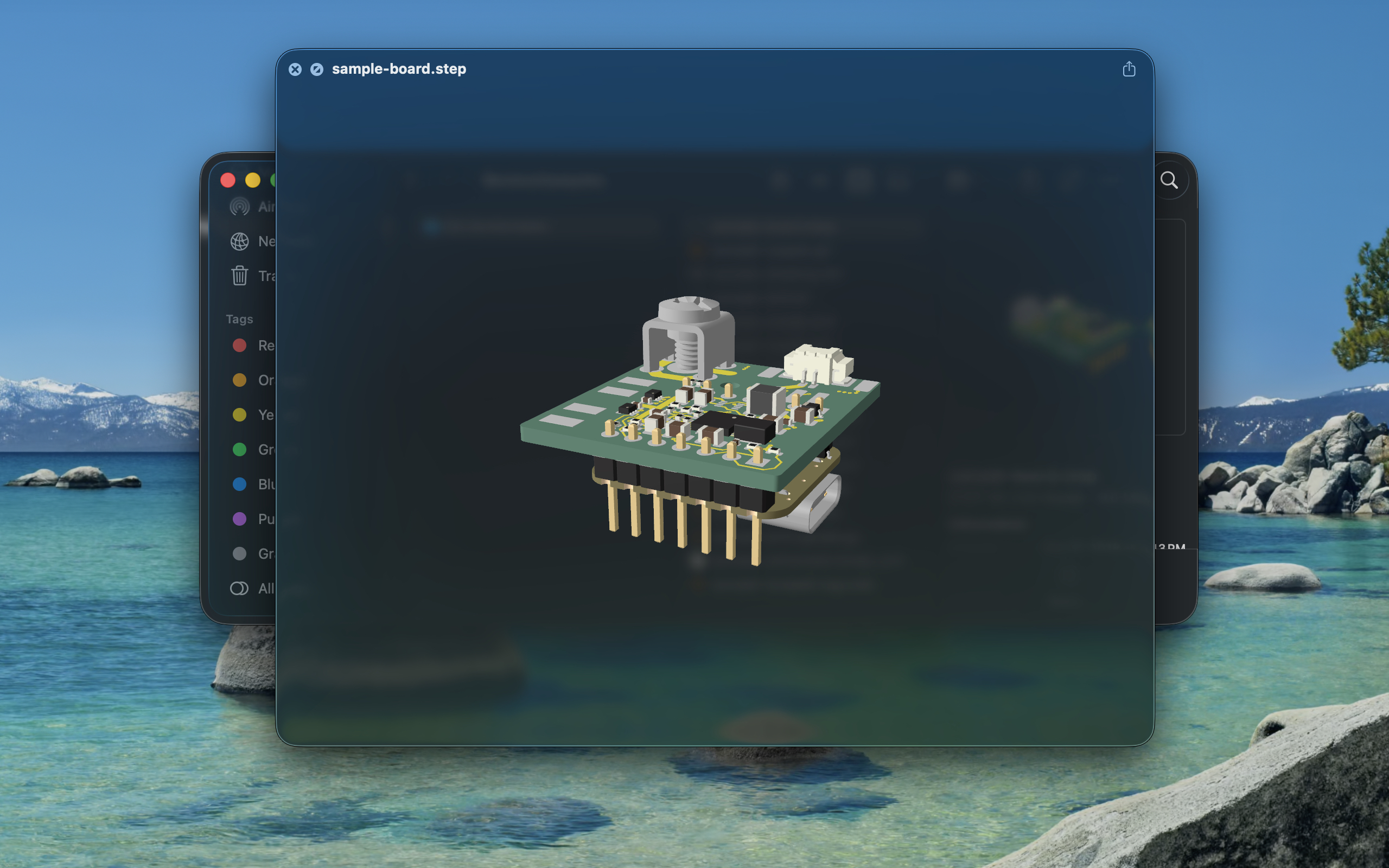
Select a supported file in Finder and press Space. Orbit models or explore drawings without breaking your flow.
Previews are processed locally. No account, file uploads, or analytics in the app.
Finder thumbnails help you spot supported design files before you even open a preview.
From copper to components
Explore KiCad boards and schematics, Gerber fabrication layers, and Excellon drill files from the same familiar Quick Look window.
See format details →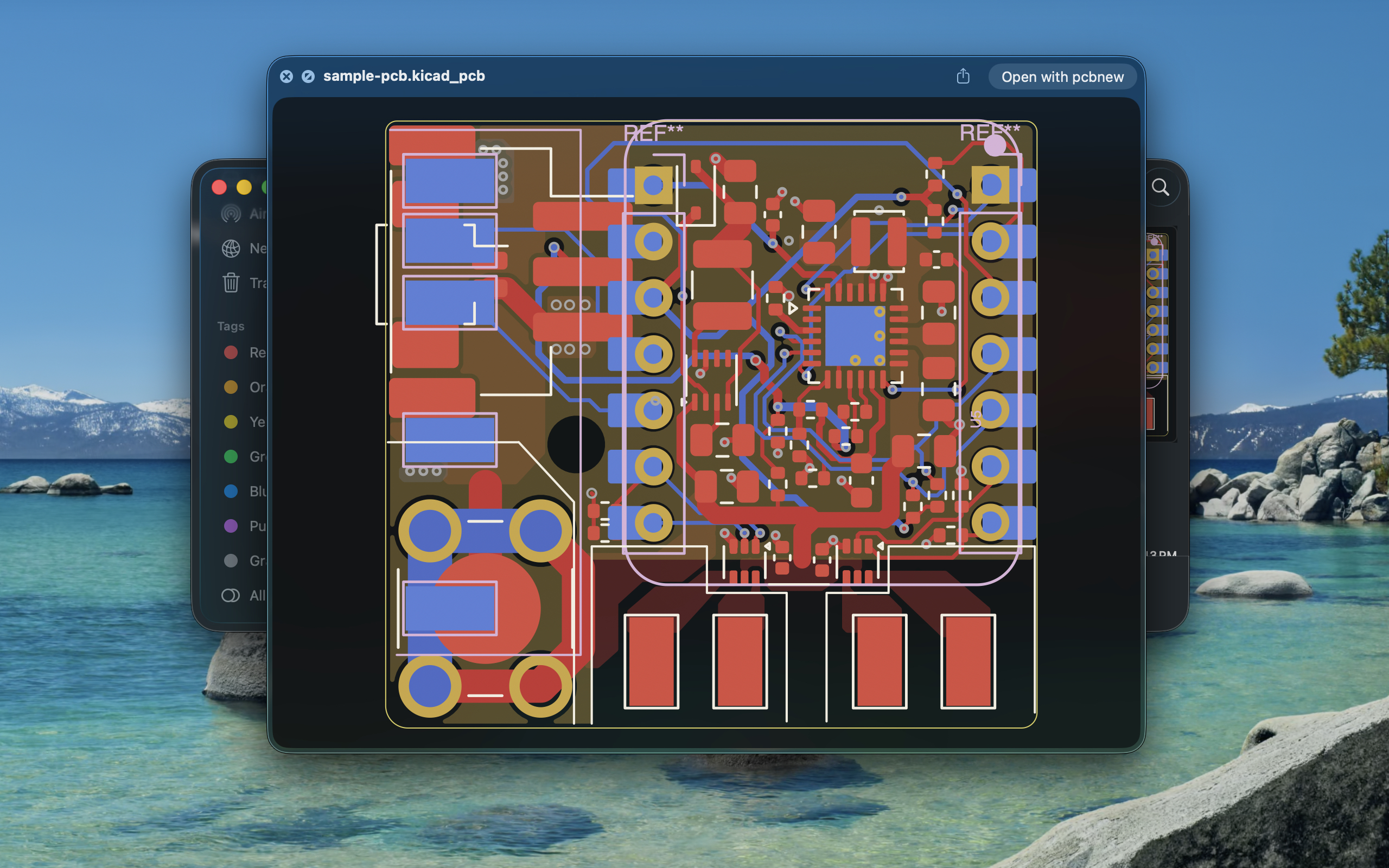
More than plain text
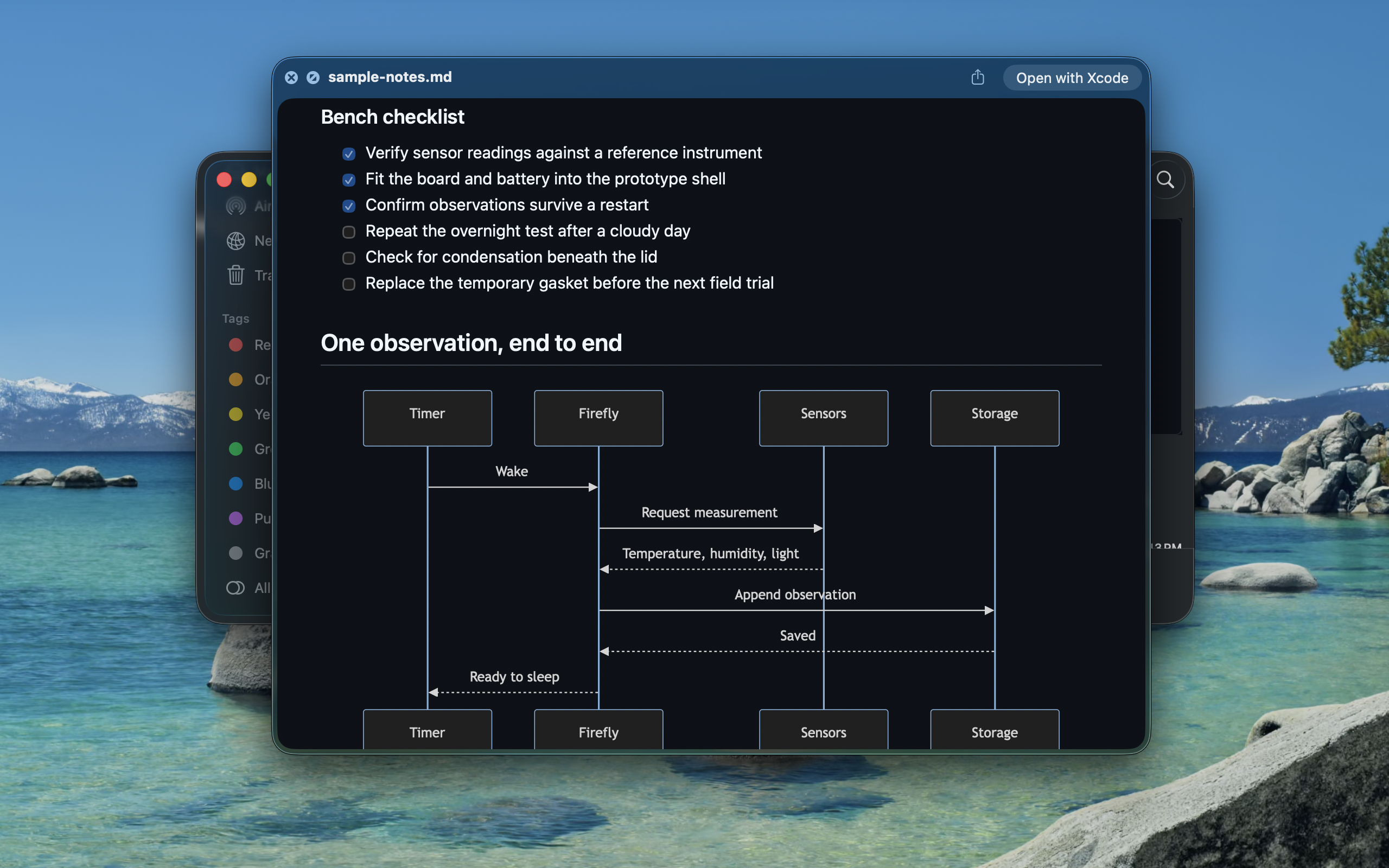
Read Markdown with headings, tables, code, and task lists. Mermaid turns diagram definitions into diagrams you can actually follow.
Choose GitHub with Mermaid, GitHub Flavored Markdown, or CommonMark in the app.
A small app. A wider view.
STEP · STP · DXF
Inspect 3D assemblies or pan and zoom a vector drawing.
3MF · glTF · GLB
See model geometry and supported source materials.
G-code · BG-code · UFP
Preview decoded toolpaths and available print details.
KiCad · Gerber · Excellon
Check boards, schematics, copper layers, and drill files.
Markdown + Mermaid
Read formatted notes, checklists, and rendered diagrams.
Format support varies: Markdown provides previews, not Finder thumbnails. glTF requires self-contained assets; external buffers and textures are unsupported. Binary G-code falls back to an embedded image when usable motion data is unavailable. Full compatibility and setup details →
Missing Previews
Questions? We’re here to help.